 Boundless
An endless page for your Apple Pencil.
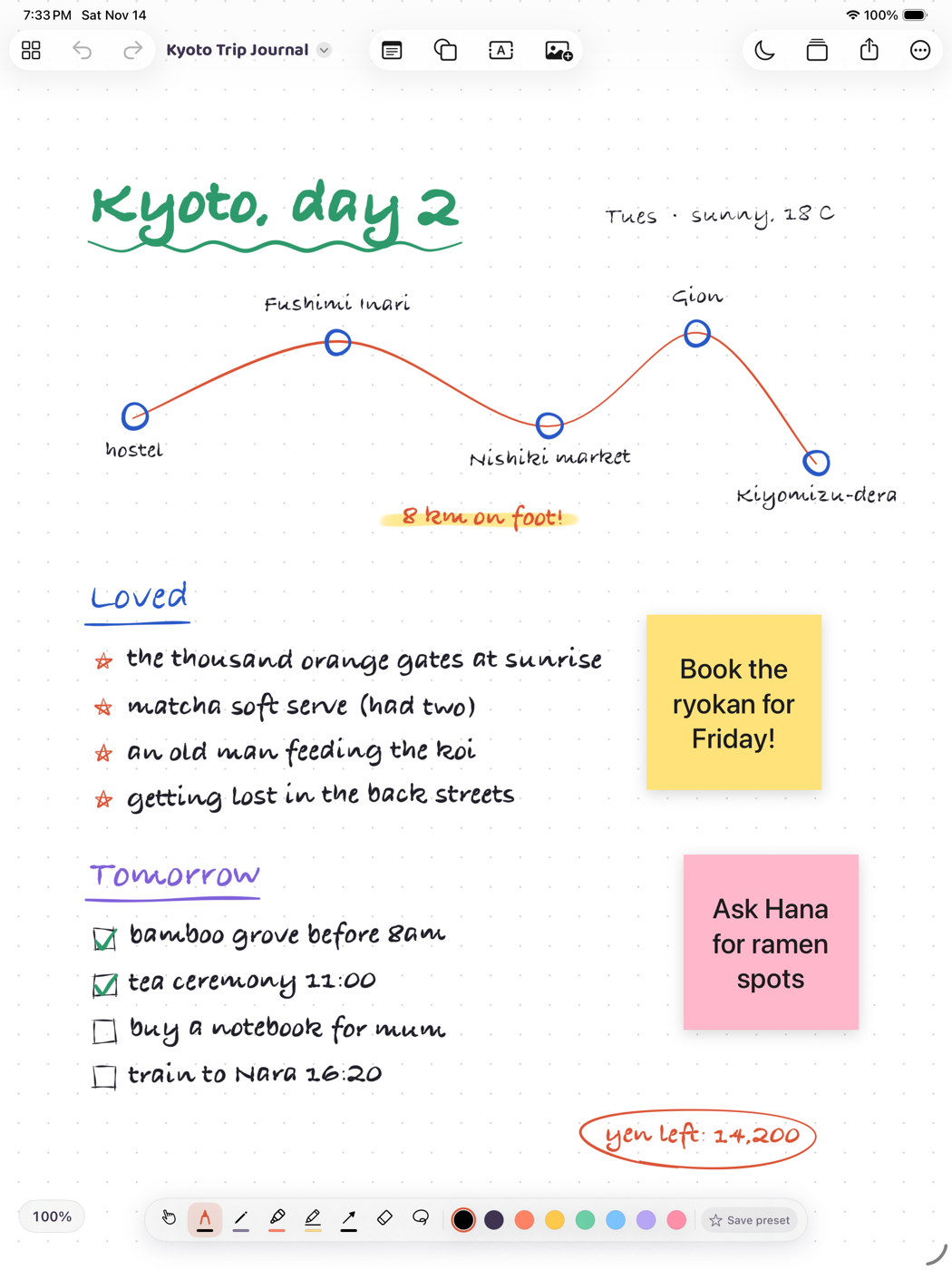
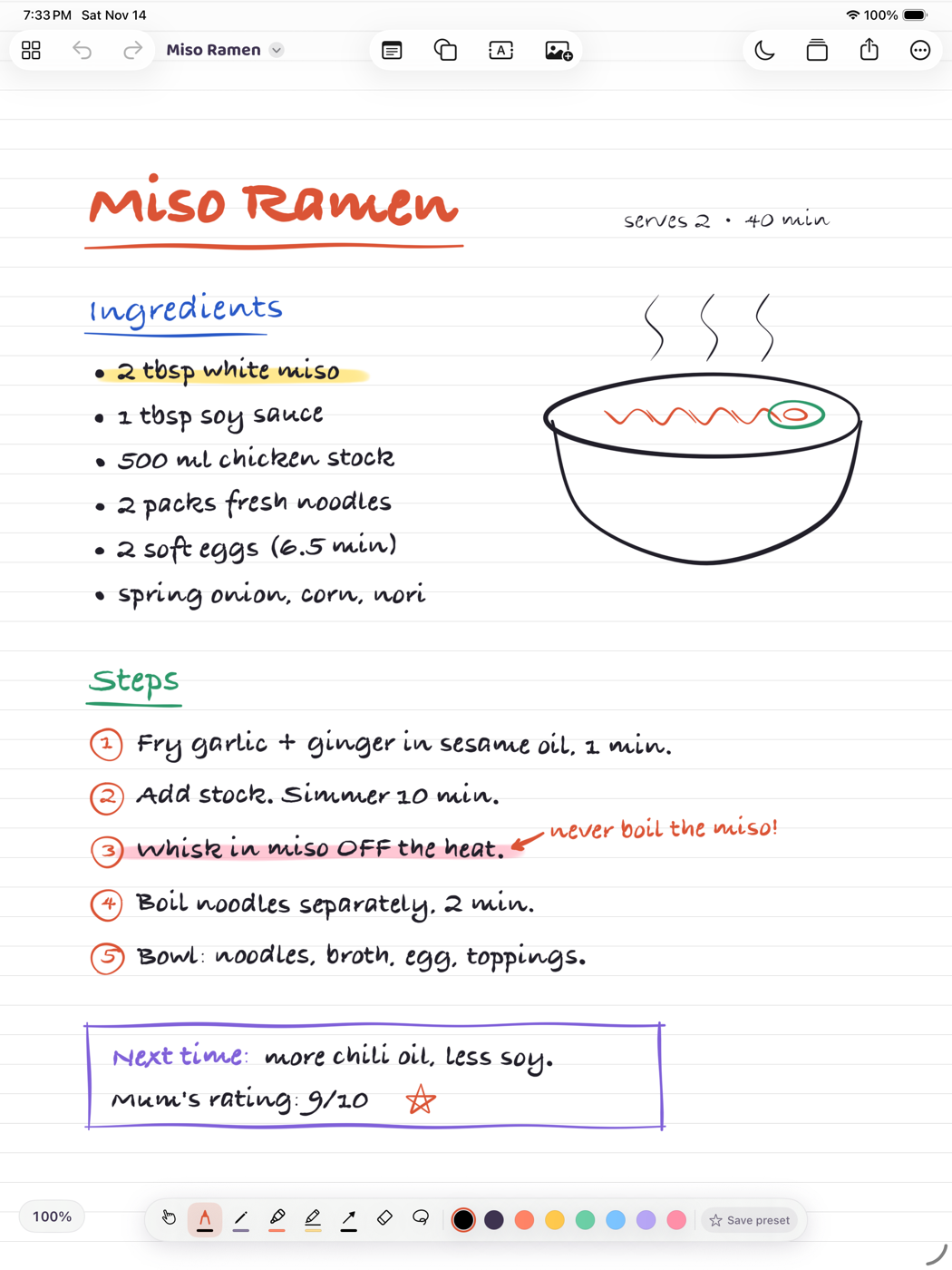
Boundless is an infinite whiteboard for iPad. Sketch, plan and think on a page that never runs out, with drawing tools that stay out of your way.
Free for 14 days with everything unlocked. No account needed. iPad, iPadOS 18 or later.
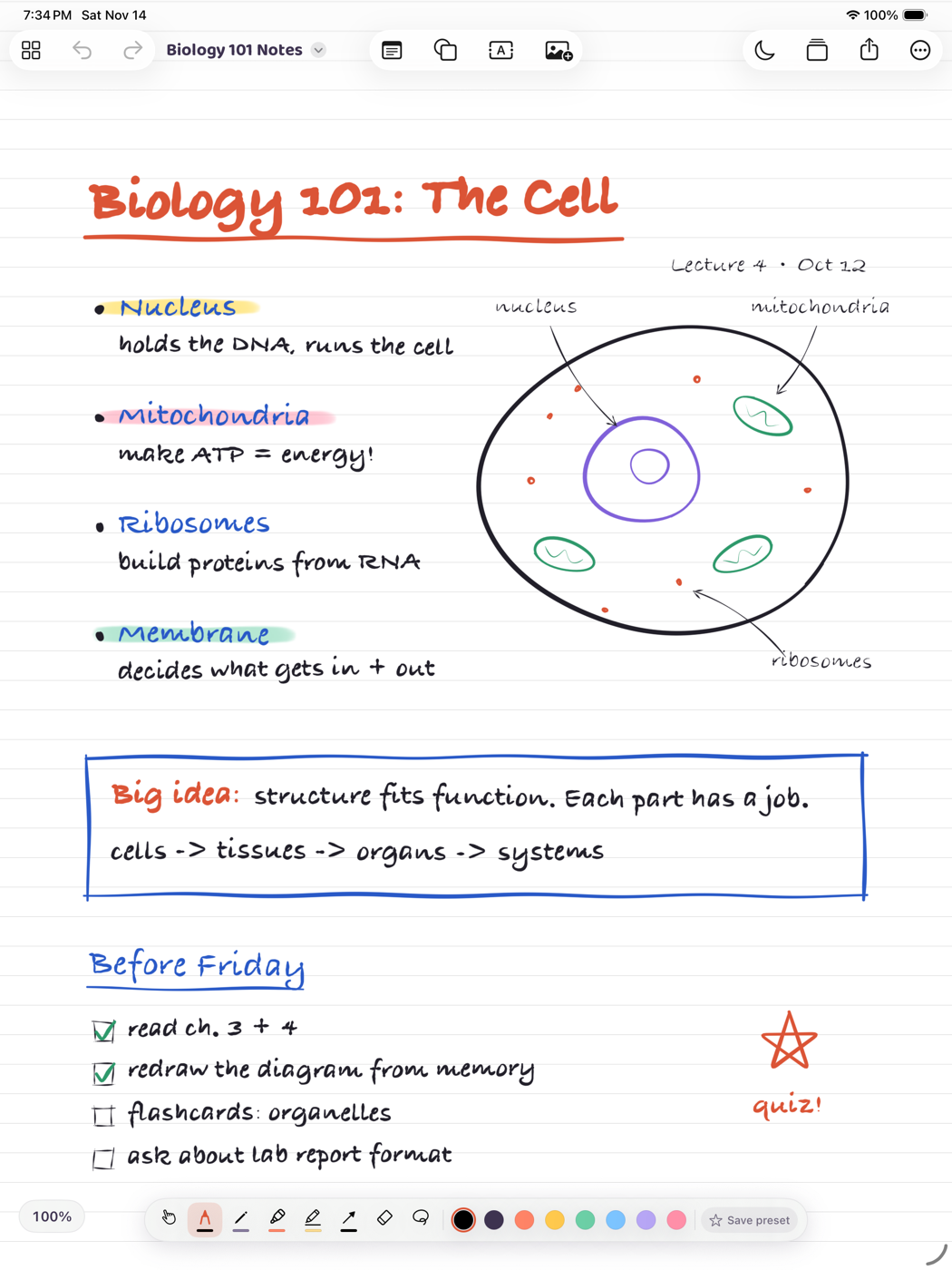

Drawing comes first
Everything else on the board is there to support what you draw.
Pencil draws, fingers move
Your Pencil always draws with the tool you picked. Fingers pan, zoom and select. Tap with two fingers to undo and three to redo.
A small dock with the tools you use
Pen, pencil, marker, highlighter, straight lines with arrows, and an eraser. Save a tool and colour as a preset, and put the dock on any edge.
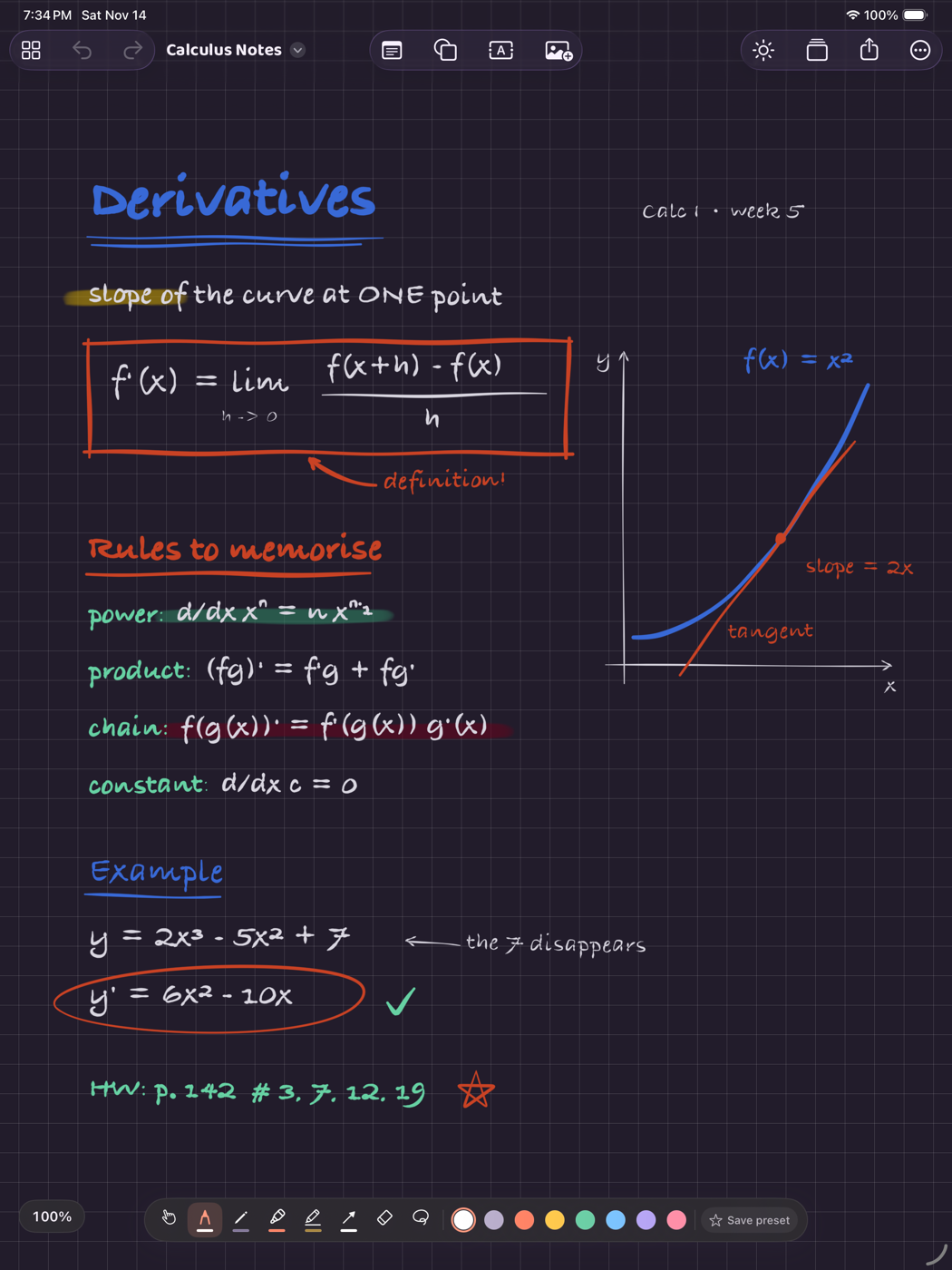
Dark paper that flips your ink
One button turns the page dark. Black ink becomes white and dark colours shift to stay readable, including what you have already drawn.
Notes, shapes and connectors
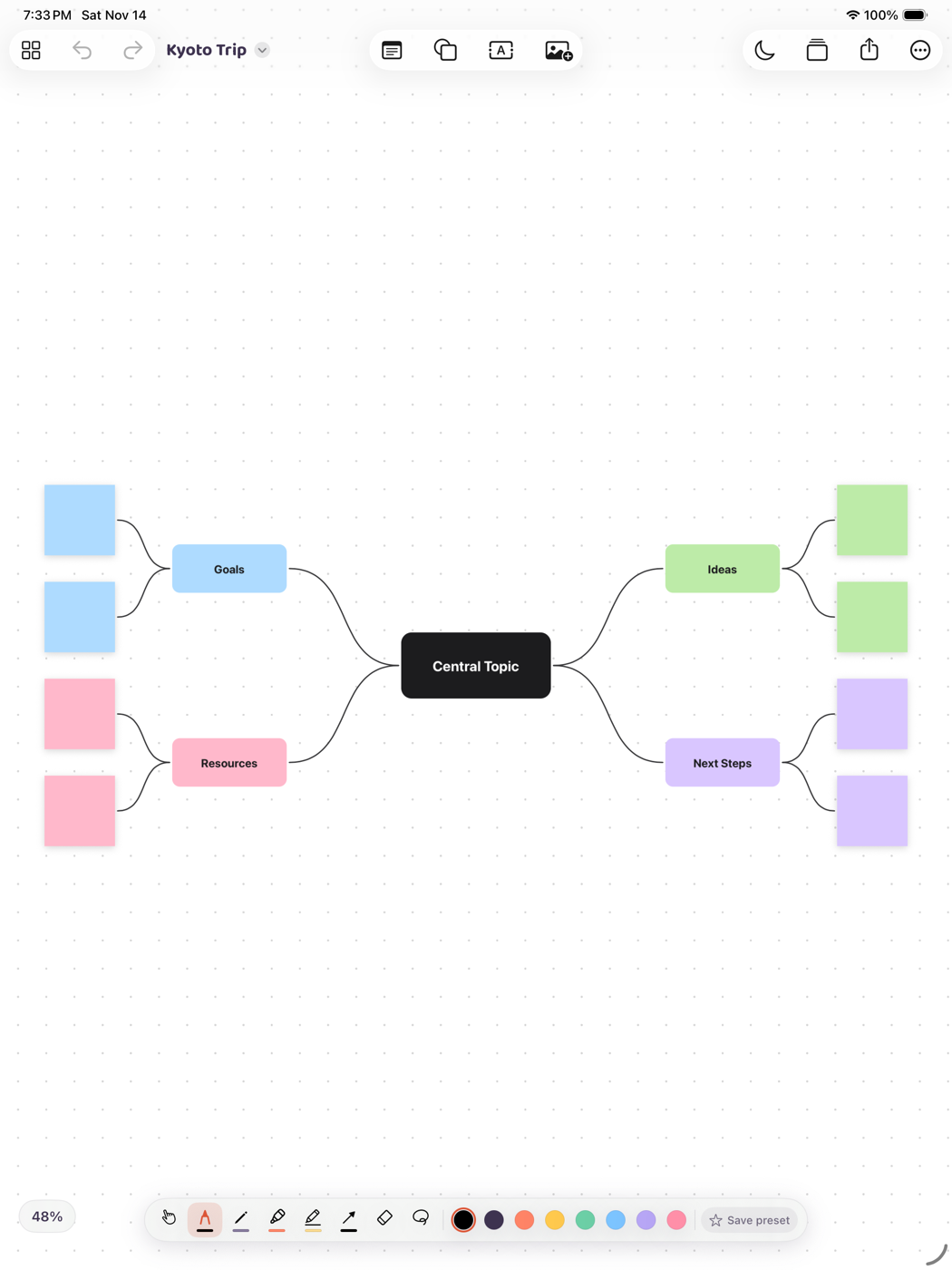
Add sticky notes, text, shapes, images and links, then join them with connectors that follow as you move things around.
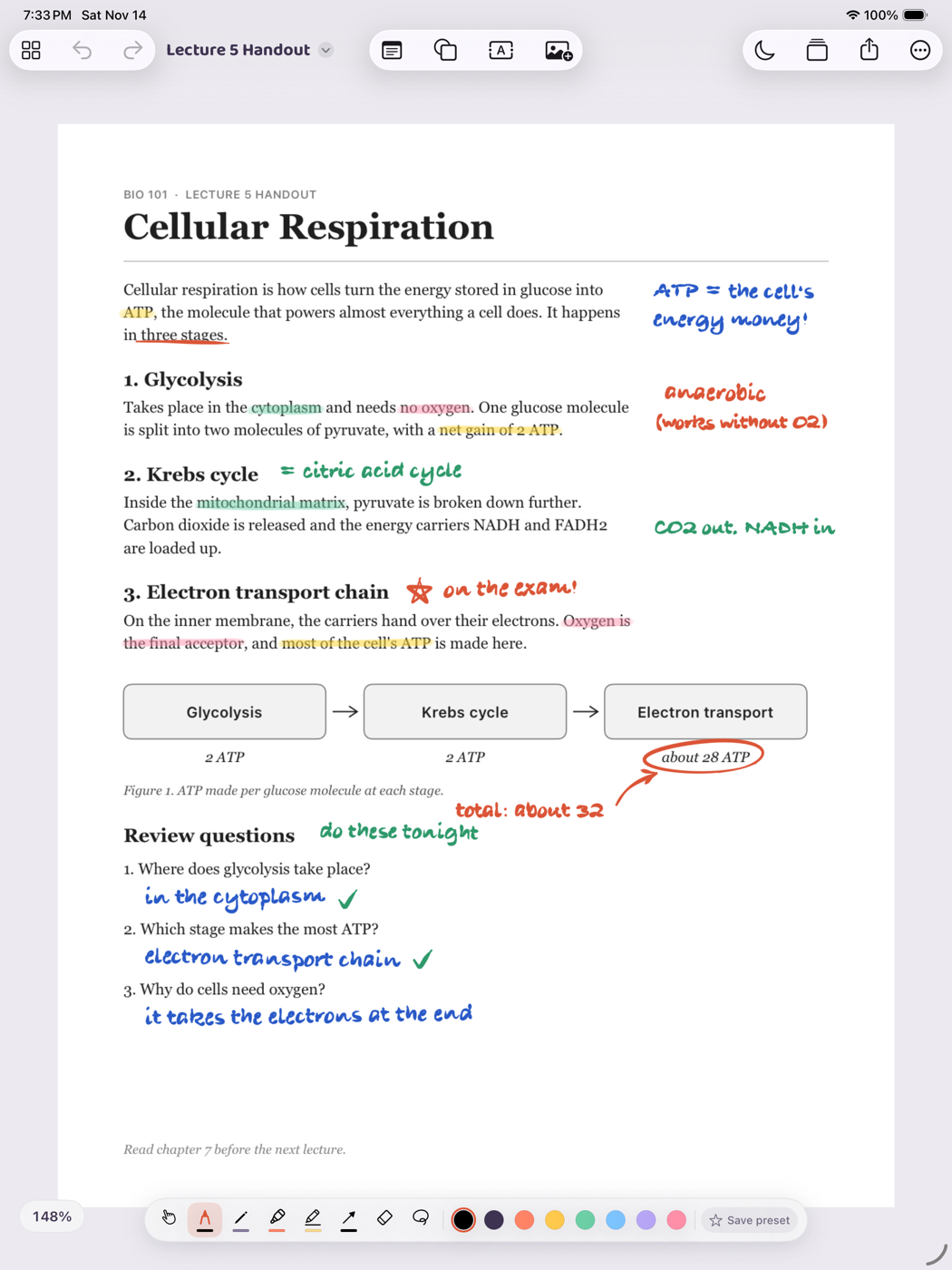
Mark up a PDF, or pin it to a board
Open a PDF as its own markup surface and export it with your notes, or drop its pages onto a board and keep working around them.
Save spots and jump between them
Mark a part of the board as a scene, step through scenes with the arrows at the top, or present them full screen.
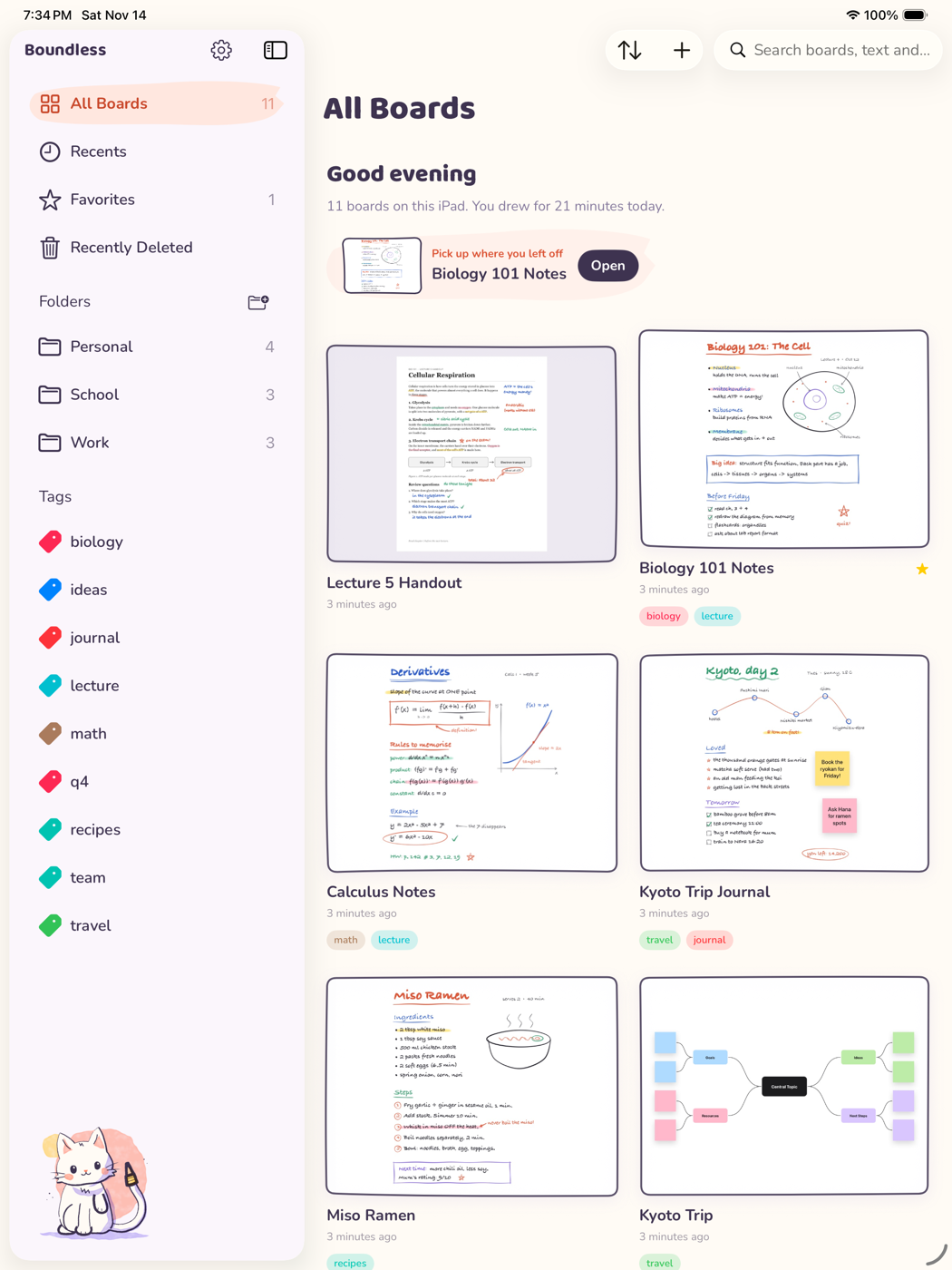

Your boards are files you own
Every board is a file on your iPad that you can see in the Files app, export and back up. Turn on iCloud Sync to keep them the same on all your devices, through your own iCloud Drive. There is no account, and nothing is sent to us.
Free for 14 days
Try all of it before you decide.
- Unlimited boards and every drawing tool
- Notes, shapes, images, connectors and templates
- PDF markup, scenes and presentation mode
- Folders, tags and iCloud Sync
Then keep it
Pay once, or pay a little each year.
- Full Unlock: one payment, yours forever
- Yearly: a low-cost annual plan
- Both unlock everything, on all your devices
Your boards always stay yours. Without a plan they can still be opened and exported, just not edited.